Corrective Action Preventive Action Management
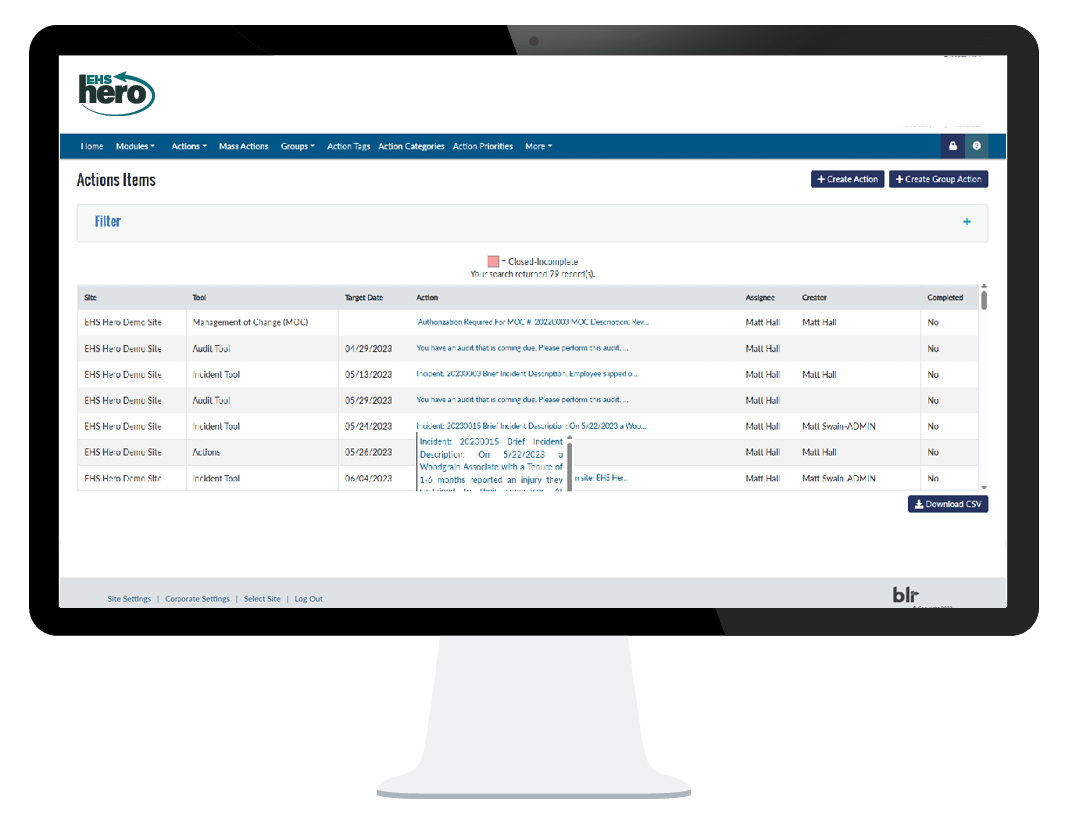
Hold employees accountable by assigning tasks, setting deadlines, and sending reminders when actions are due.

Simplify corrective action preventive action
As part of the virtual assistant tools, CAPA enhances everything else in our EHS toolbox.
Automated alerts and reminders keep critical actions top of mind
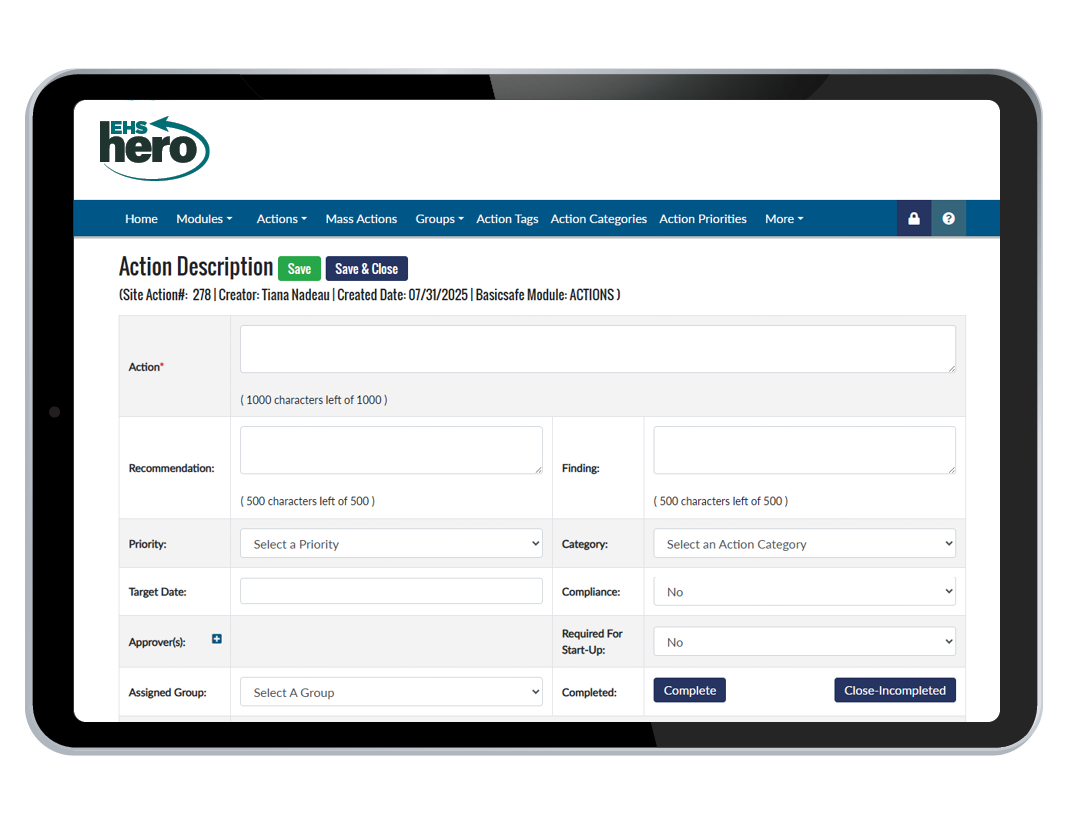
Custom priorities, categories, tags, and filters
Quickly identify and address areas of concern and keep track of corrective and preventive actions taken.
Action history tracking
Our CAPA tool enables employees to easily track the progress of their corrective and preventive actions over time.
Assign individual, group, and mass tasks
Assign and manage corrective and preventive actions across multiple departments or locations, saving time and resources.
Track progress and KPIs
Track progress and KPIs over time so you can take corrective measures and prevent similar problems in the future.
Prevent and eliminate incident root causes
Take control of your corrective actions and enjoy efficient and effective process management. Identify root causes, assign tasks to the right individuals, and track progress to ensure timely completion.
Employee accountability
Promote employee accountability by assigning specific actions and deadlines for completion, ensuring everyone knows their responsibilities and deadlines.
Keeps projects on track
With a centralized location for tracking and managing corrective and preventive actions, our CAPA tool helps to reduce delays and missed deadlines.
Cross-functional collaboration
Our CAPA tool provides a shared platform that helps teams collaborate, share information, and work together to resolve issues.
Comply with ISO standards
Ensure compliance with ISO standards with a systematic approach to identifying and addressing non-conformities.
Proof of prior actions
With easy access to proof of prior actions, your organization can demonstrate compliance and accountability during audits or inspections.